Upload your room
Start with a clear photo of the space you already have.
 Archi.
Get Archi
Archi.
Get Archi
See your room in a new style before you renovate or buy furniture.
For iPhone & iPad · Free download
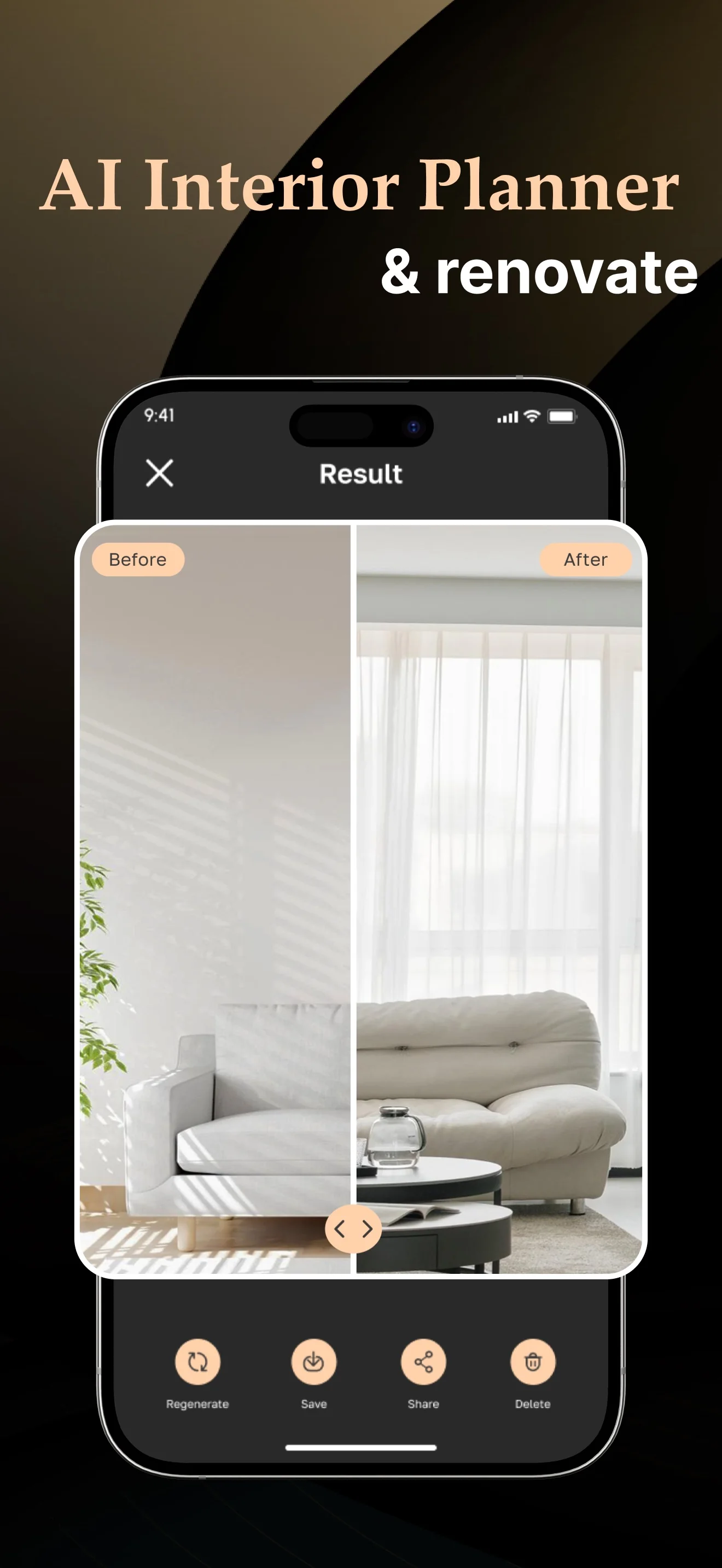
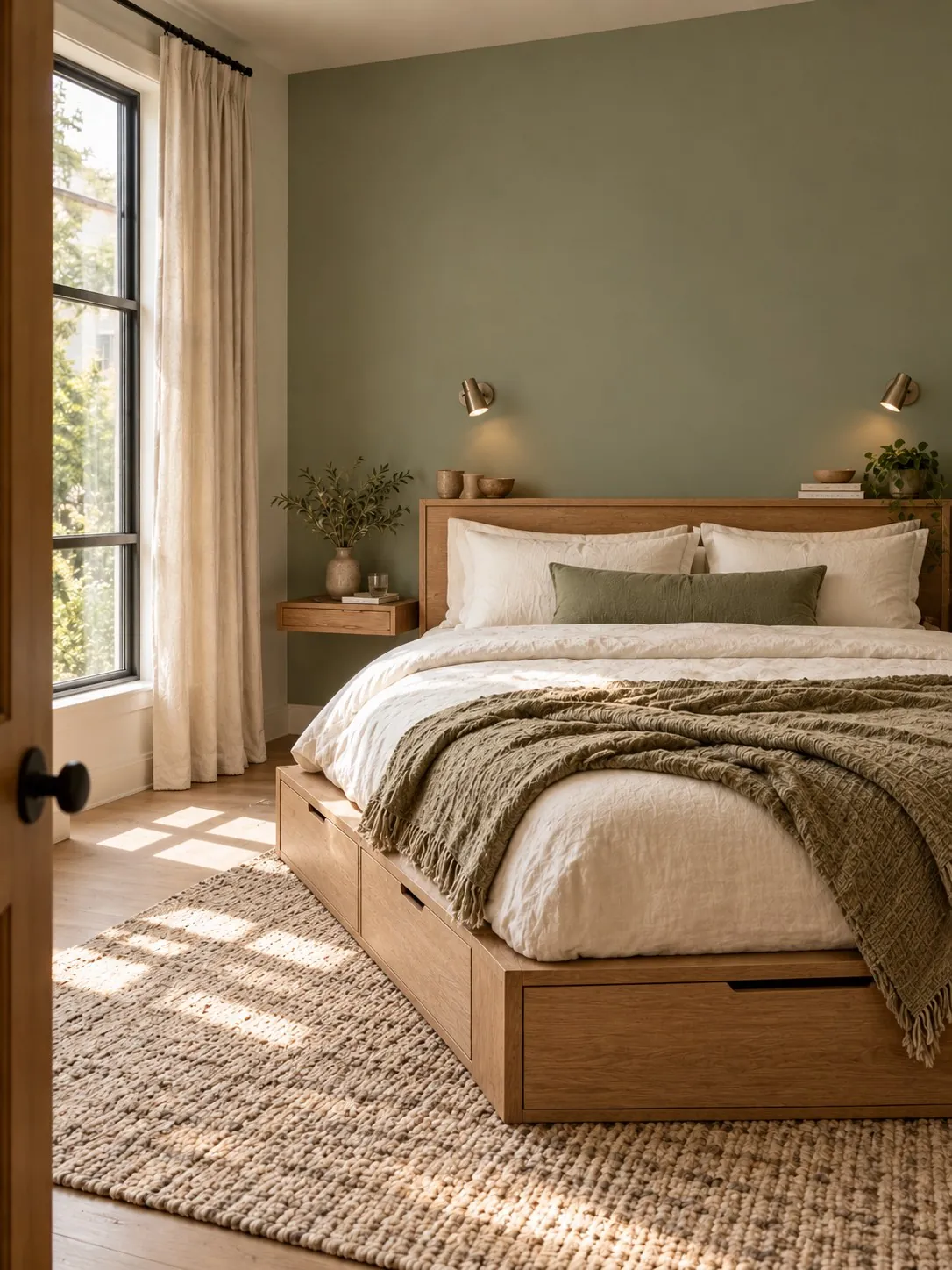
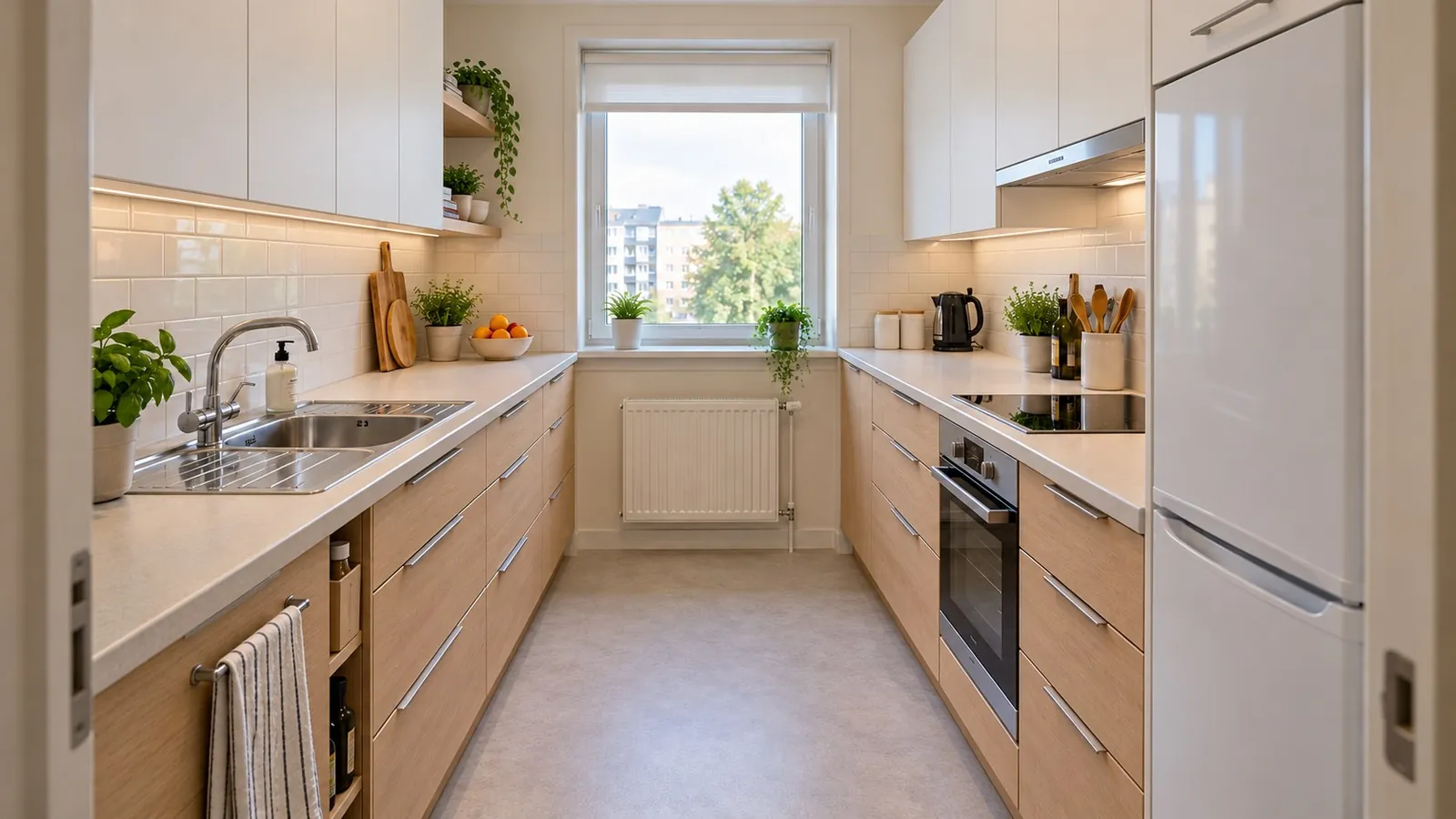
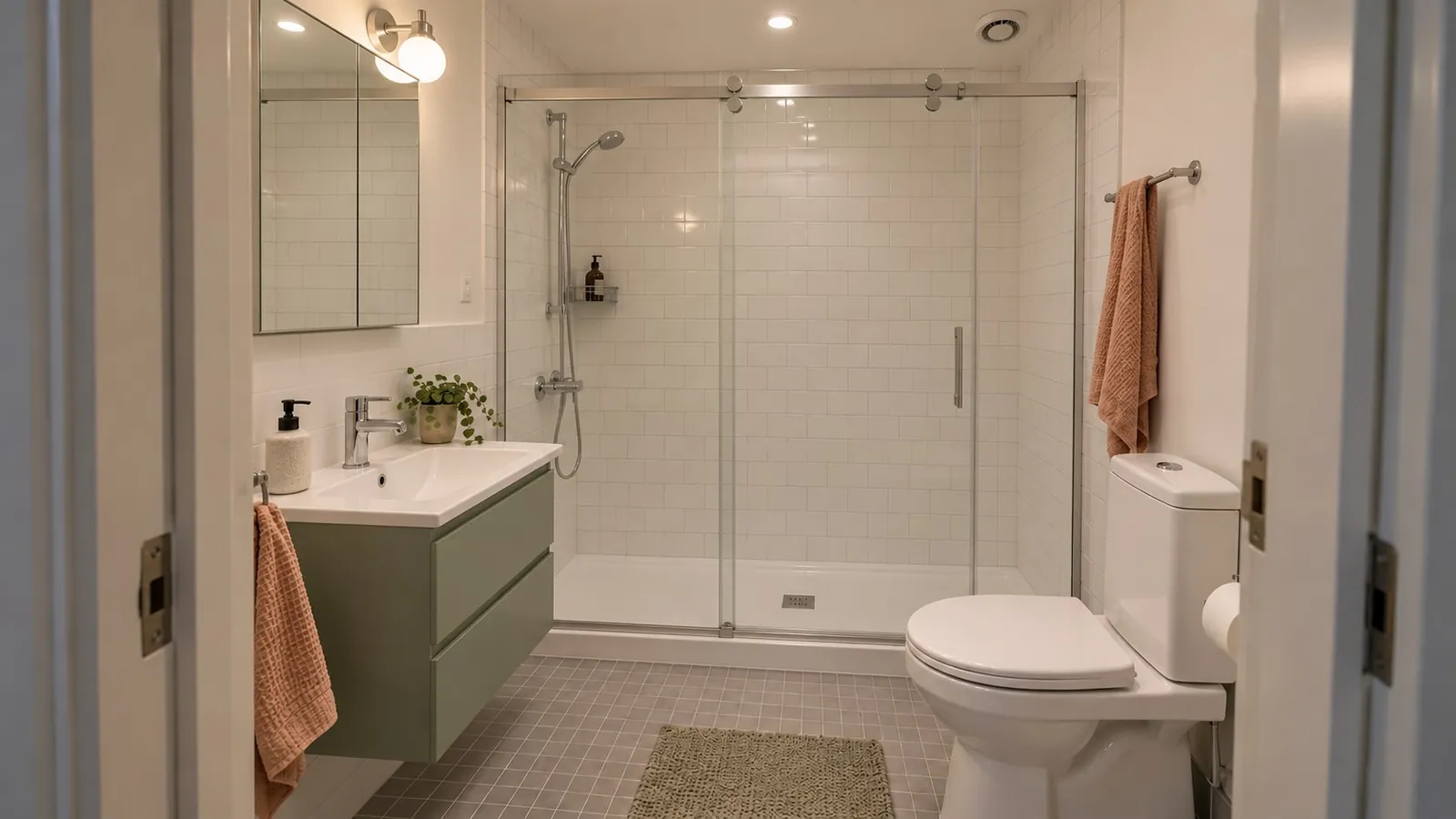
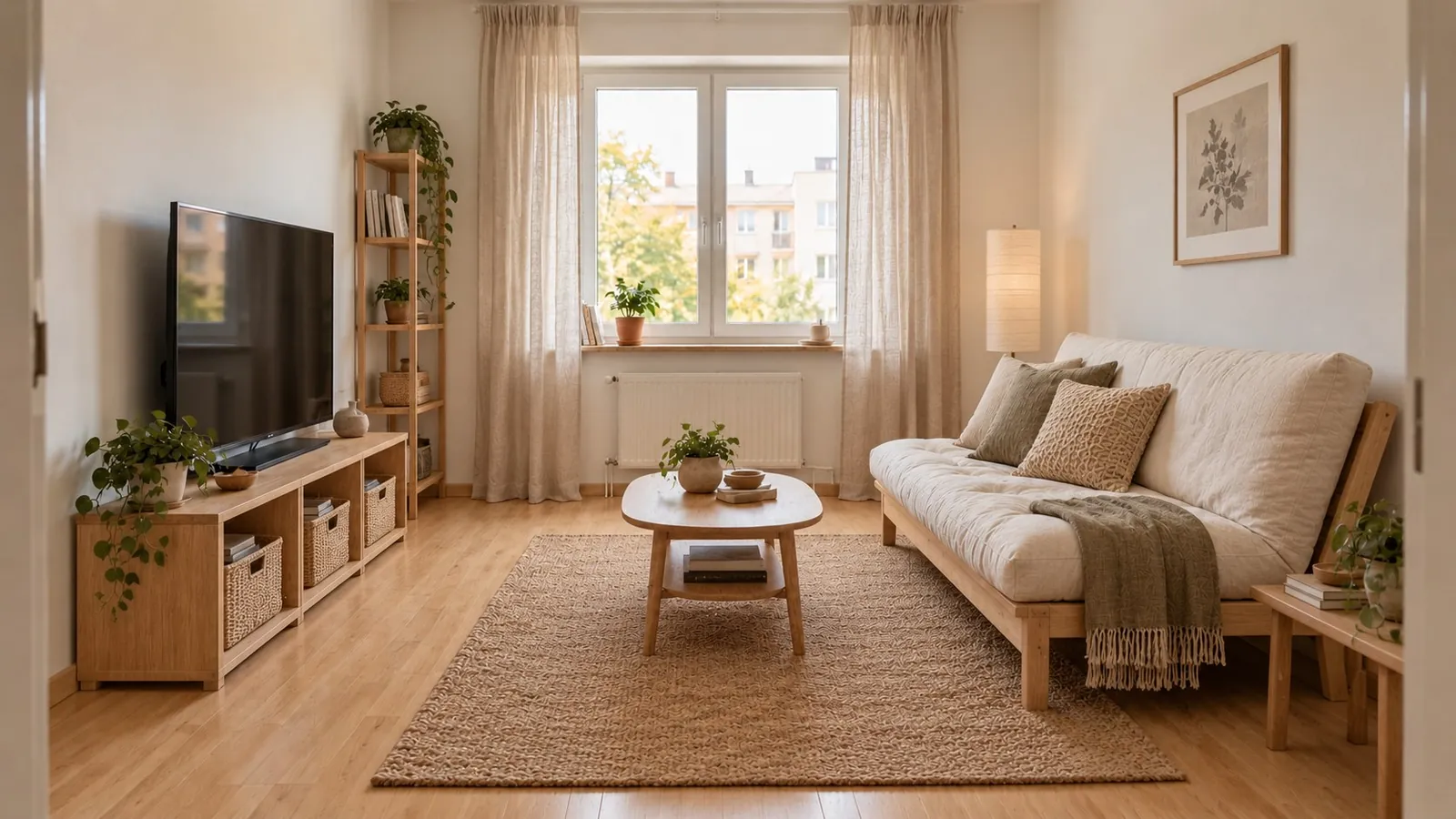
Explore the look before choosing the furniture, colors or finishing touches. Explore photo-to-design
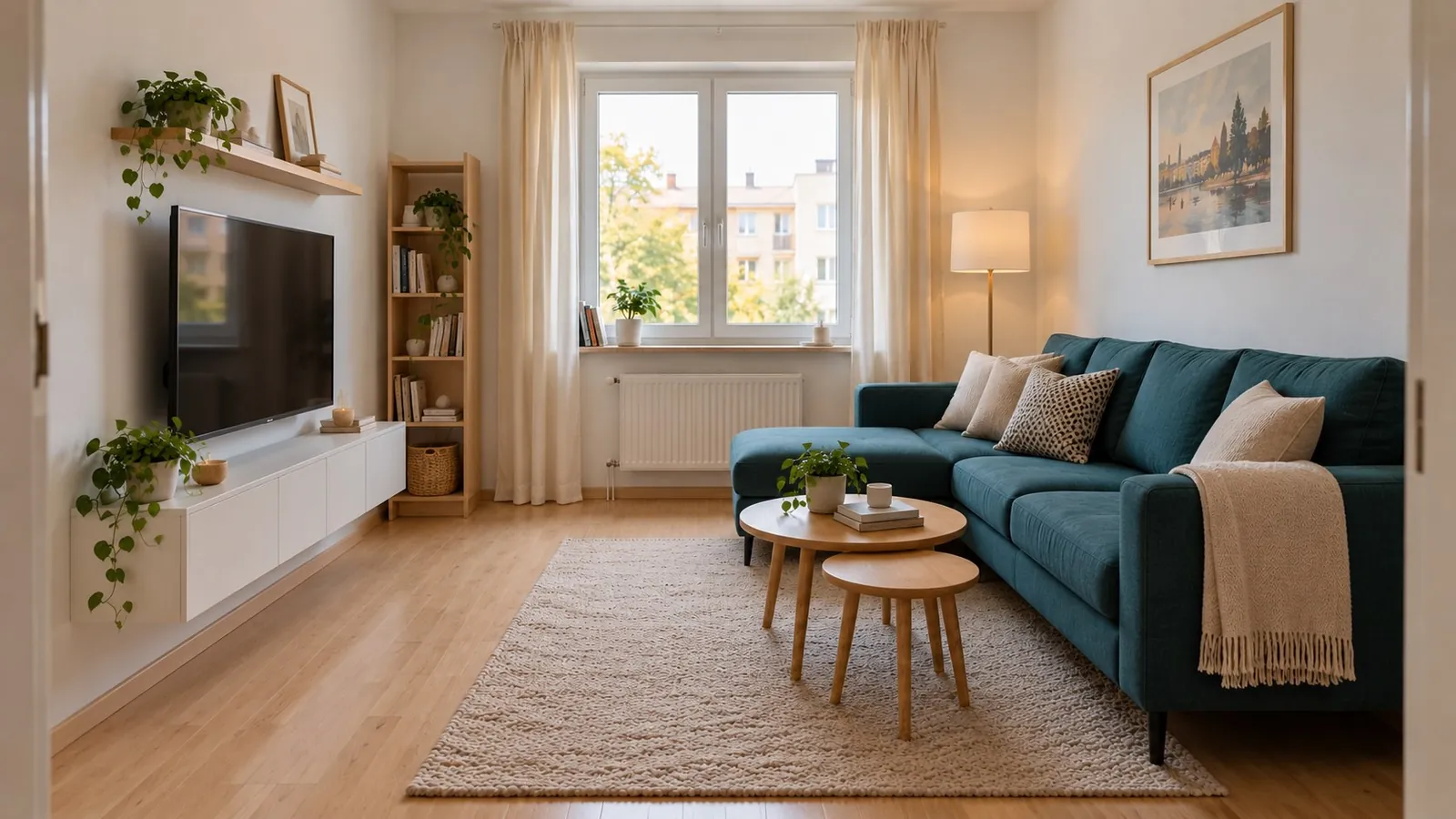
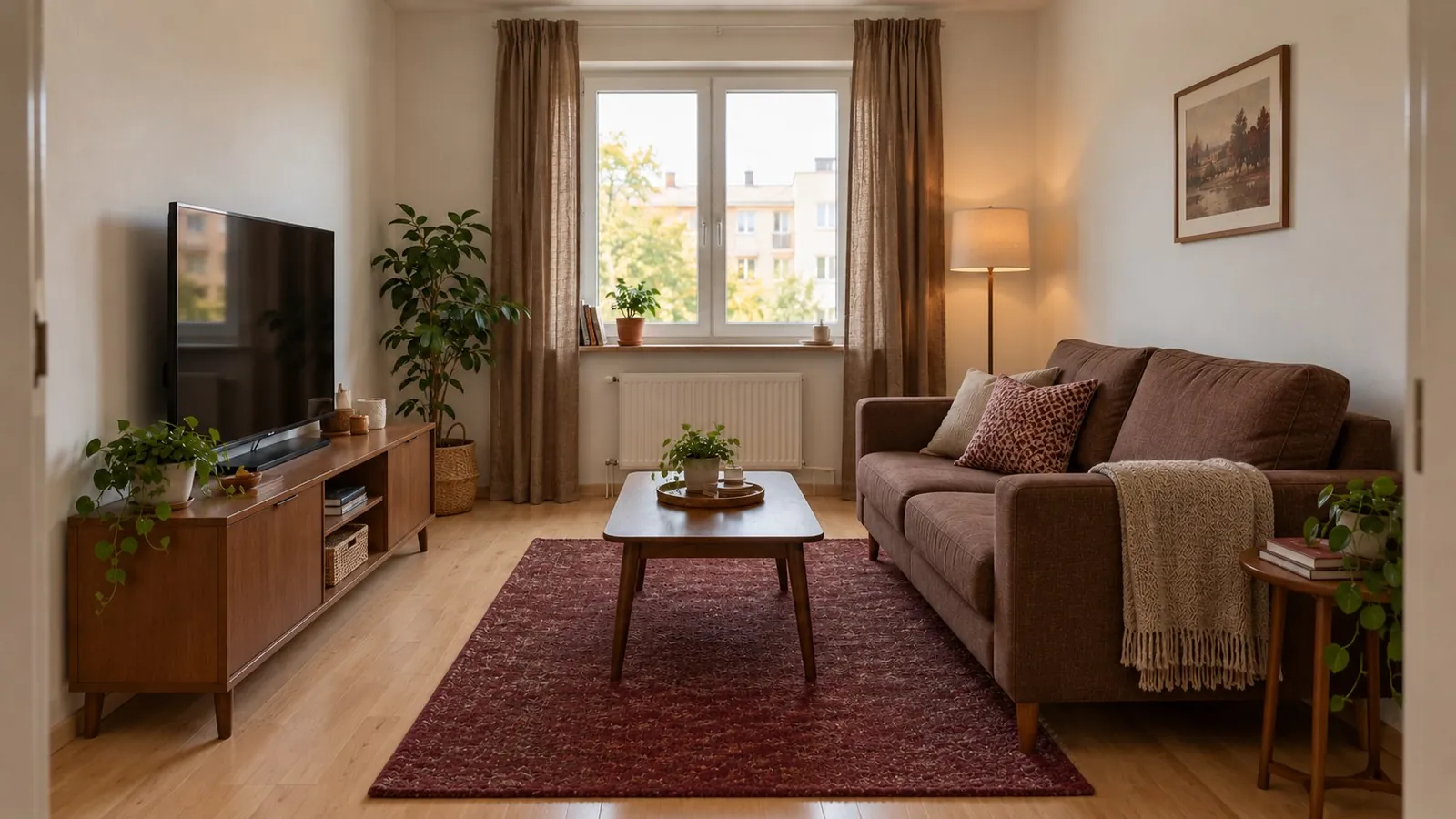 BeforeAfter
A few styles to explore
Modern style previewFor iPhone & iPad · Free download
Start with a clear photo of the space you already have.
Explore a different direction before committing to furniture or finishes.
Compare the new look with your original, then save or share your favourite ideas.
A fresh look for everyday spaces. Explore an idea, then make it your own.
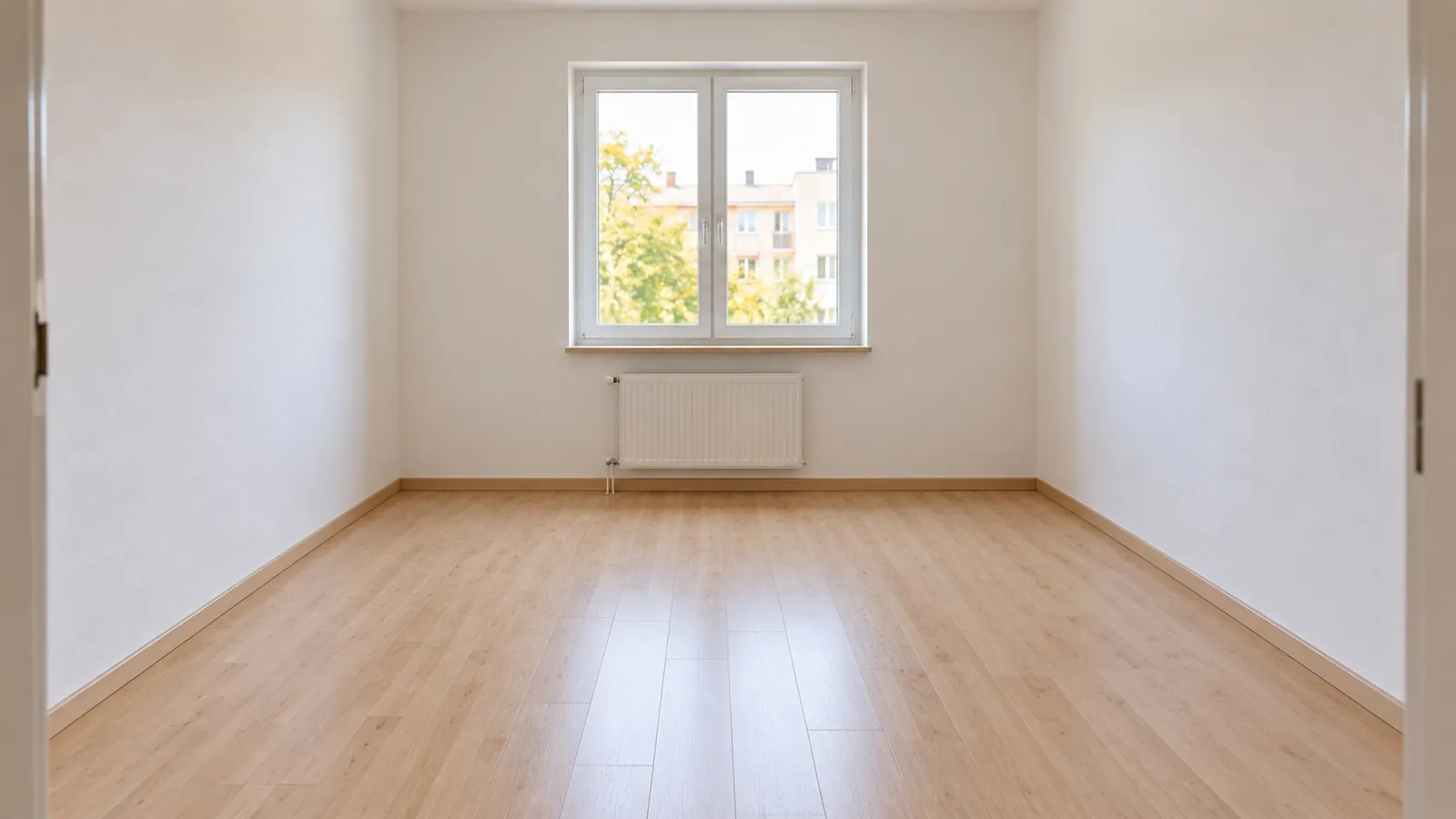 FurnishedCleared
Explore more ways to make your space your own.
Photograph a piece you love and discover similar options to buy.
Explore lighting, layout and style with the AI Design Advisor.
The large room comparisons and Before/After stickers are AI-generated website examples, not verified in-app results. The phone mockup uses an Archi App Store screenshot. Actual results can vary.
Start with a room photo, choose a style and generate an interior design concept. You can also describe an idea in words or use a sketch as your starting point. Archi creates visual ideas to help you explore a new look.
Yes. Photo-to-Design starts with your own room photo. Use a clear, well-lit photo that shows the space. You can explore faithful updates or more creative reinterpretations using Archi’s redesign modes. AI results may change details and should be reviewed.
Yes. Virtual staging generates furnished concepts for empty spaces. You can also remove existing furniture from a photo before exploring a different direction.
Archi is free to download. Some features require payment. Available plans, features and prices are shown in the app and on the App Store for your region. Check the purchase details before subscribing.
Archi is available for iPhone and iPad with iOS or iPadOS 16.0 or later. Open the App Store listing to check compatibility with your device. This website is a product introduction; design generation happens in the app.
Use the visuals to explore styles and communicate ideas. An AI concept is not a measured construction drawing. Check dimensions, materials and feasibility with a qualified professional before buying or building.