
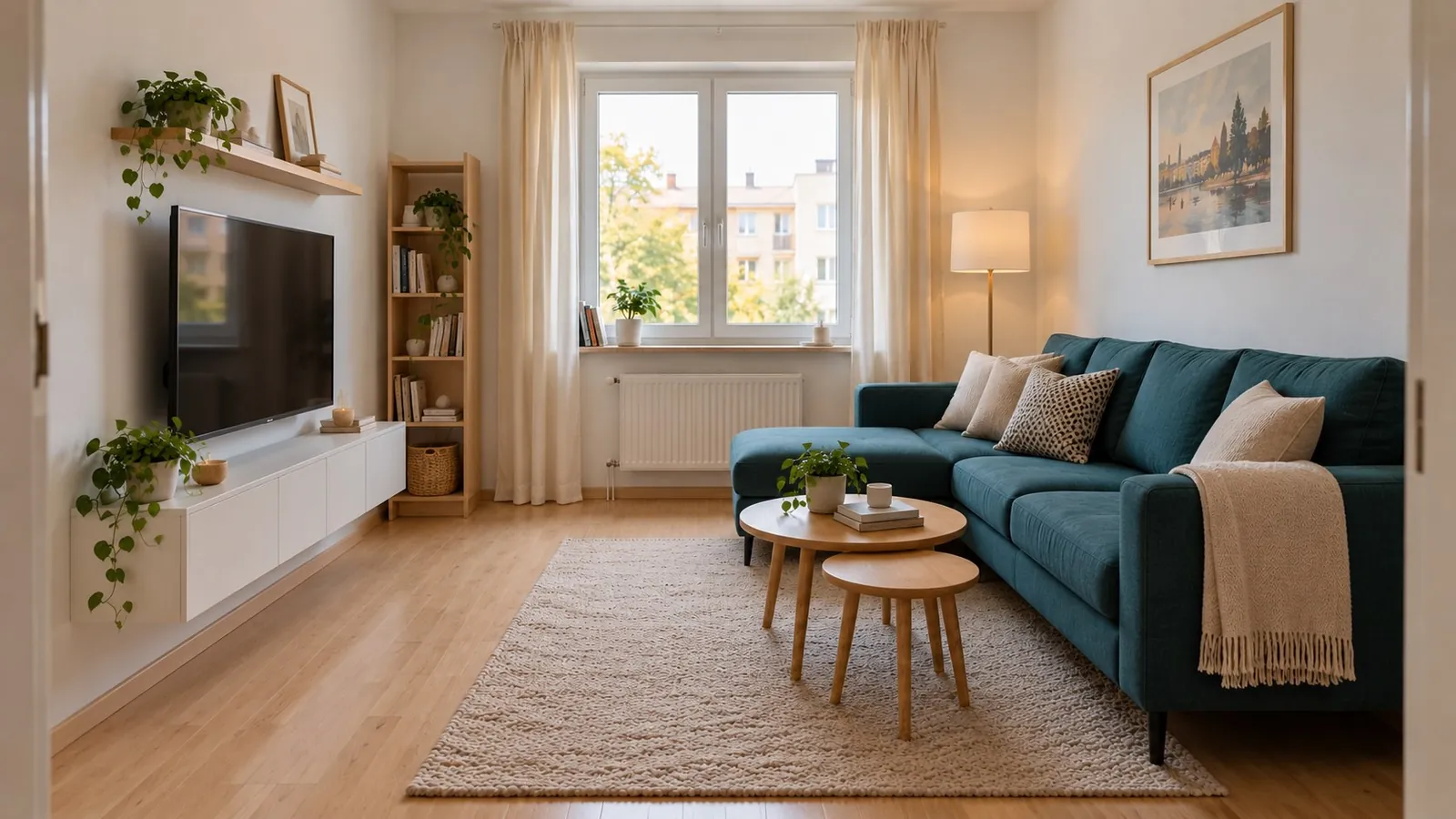
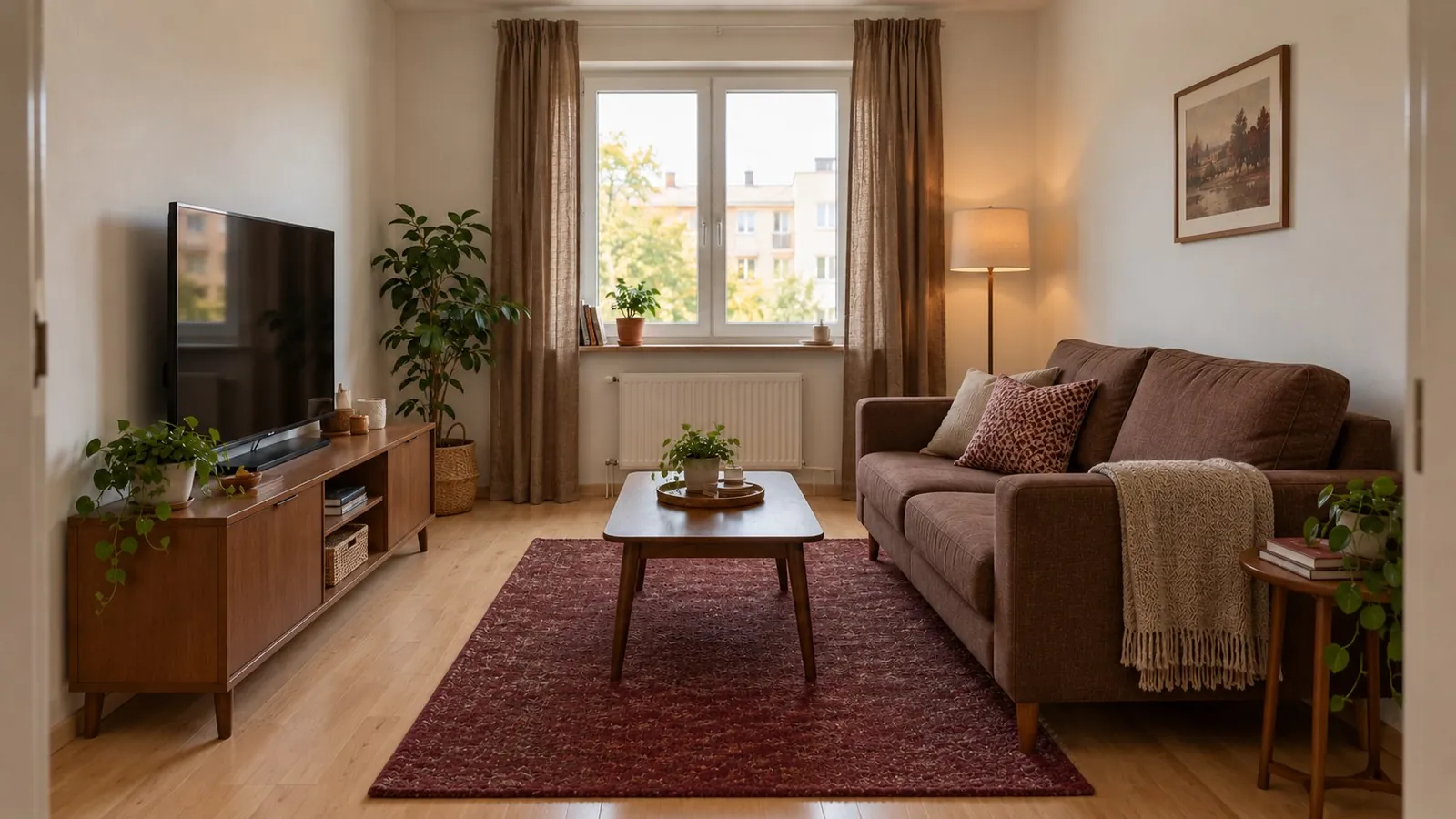
What is AI room design?
AI room design uses a photo or an idea as the starting point for a visual interior concept. With Archi, you can photograph a living room, bedroom or another interior, choose a design style, and explore how a different look might feel. The result helps you discuss and compare ideas before changing your home.
How to explore a room with Archi
- Photograph the space. Use a bright, sharp photo that shows the room, including the furniture and architectural details you want to consider.
- Choose a direction. Pick a style such as modern, boho or classic, or describe an idea with Text-to-Design.
- Generate and review. Look at the proposed furniture, materials and atmosphere. Explore other styles rather than treating your first concept as a final plan.
Faithful update or something more creative?
Archi offers Perfect & Creative Redesign modes. Use them to explore either a more faithful update or a freer reinterpretation. AI can still change room details: check the output against your original photo and your practical requirements.
Start with a photo, a sketch, or a few words
A room photo gives you a tangible starting point. A sketch helps communicate an idea that does not exist yet. A written prompt lets you explore a mood, such as a calm living room with natural materials. Each is a different way to begin, without learning complex design software.
From concept to a real decision
Use the designs to compare styles or show a direction to your family, designer or contractor. Check dimensions, circulation, furniture availability and building requirements separately. AI visuals are inspiration, not measured construction drawings.
See an idea for your own space
Download Archi for iPhone or iPad with iOS 16.0 or later. Available features and purchase terms are shown in the app and the App Store.
View Archi on the App StoreAI concepts are inspiration, not measured construction plans.